
Sweep
your Mac.
Clean up your Mac one swipe at a time: one file, one card. Left it goes to the Trash, right it stays.
Get gigabytes back in five minutes.
Free. macOS 14 and later. Nothing is ever deleted: everything goes to the Trash.
5 to sort
0 KB reclaimed
Nothing is lost. Everything you just binned is sitting in the Trash.
Try it: drag the card, or use ← →.
Five minutes
and it's clean.
-
1
Pick a place
Your desktop, your downloads, your screenshots, or any folder you drop onto the window. Balaye shows you what it found straight away.
-
2

Sweep
One file, one card, with its real preview. Left it goes to the Trash, right it stays. Not sure? It will come back later.
-
3
Nothing is lost
Everything goes through the Trash, never straight to deletion. ⌘Z brings the last file back, ⇧⌘Z brings back the whole session.
Everything
that piles up
Screenshots, forgotten downloads, big files, old archives: Balaye goes and finds them where they sleep, and shows them to you one by one.
It looks fast
Balaye asks Spotlight, the index your Mac already keeps up to date, instead of opening your folders one by one. Your screenshots turn up in about a second.
Screenshots first
They are recognised by the mark macOS puts on them, even after a rename. That is almost always where the space is hiding.
Any folder at all
The usual places in one click, or the folder of your choice: through the picker, or by dropping it onto the window. Your recent picks stay close at hand.
Batch mode
A grid of thumbnails for when you want to move fast: tick everything that should go, and empty it in one gesture.
Whole folders
Click the path under a card to bin the folder itself. The file count and the total size are shown before you confirm.
Everything undoes
⌘Z for the last file, ⇧⌘Z to put it all back. A mistake costs nothing.
Careful by design
No direct deletion: the Trash, always. And only your own gestures count — another program driving your Mac cannot throw anything away.
Nothing leaves your Mac
No account, no server, no tracker, no statistics sent anywhere. Your files stay on your machine, and the app does not need the internet to do its job.
The app,
for real.

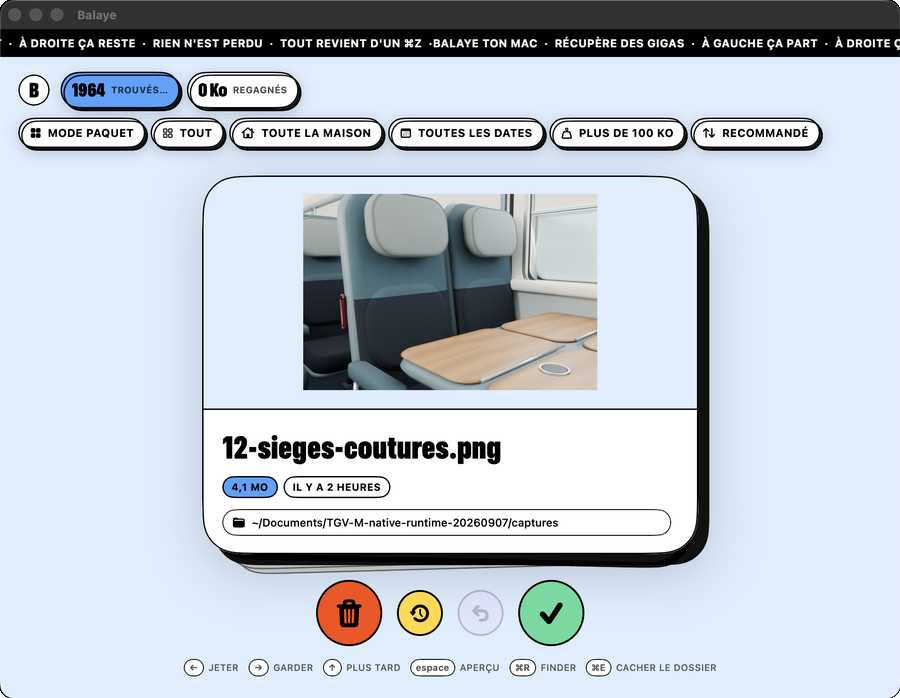
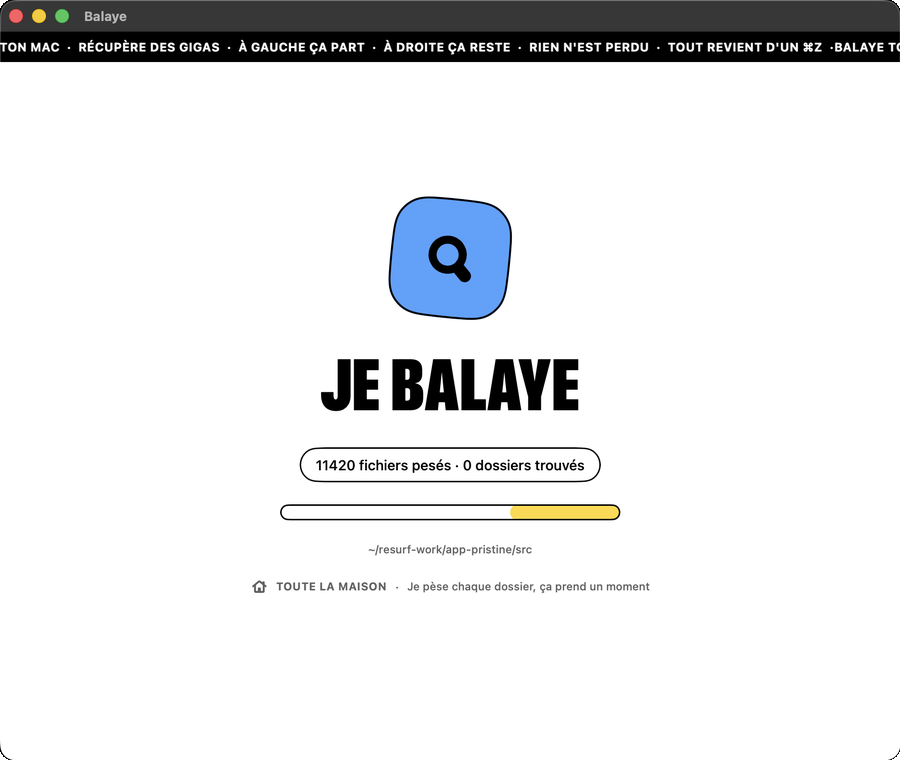
On the keyboard,
faster still
Hands on the keys, you get through a hundred files without ever touching the mouse.
| → | Keep the file |
|---|---|
| ← | Send it to the Trash |
| ↑ | Later, it will come back |
| space | Big preview |
| ⌘R | Show in Finder |
| ⌘Z | Undo the last one |
| ⇧⌘Z | Put everything back |
Buy me a coffee
Balaye is free and will stay free: no subscription, no “pro” version, no locked feature. It is an evening project, built so that tidying your Mac stops being a chore. A coffee helps the next bit along.
Buy a coffeeYour questions
Is this risky for my files?
No. Balaye never deletes anything: it moves files to the Trash, exactly as you would yourself. As long as you do not empty the Trash, everything can be recovered, and putting files back can be done from the app too.
Where do the files I bin end up?
In your Mac's Trash. You can bring them back with ⌘Z right afterwards, restore the whole session with ⇧⌘Z, or go and fish them out of the Trash later. The space is only really freed when you empty the Trash.
Does it need an internet connection?
Never. Balaye works entirely on your machine. There is no account to create, nothing is sent anywhere, and no statistics are collected.
Is the app in English?
Not yet. The app's own interface is in French for the moment, although the gestures are the same in any language: left it goes, right it stays. An English interface is on the list.
Which version of macOS do I need?
macOS 14 (Sonoma) or later, on Apple Silicon and Intel Macs alike.
Why does macOS ask for access to my Desktop or Documents?
Because macOS protects those folders: no app can read them without your explicit consent. Balaye needs to see them in order to show you what is inside. You can allow only the folders you care about, and change your mind at any time in System Settings, under Privacy & Security.
macOS says the developer cannot be verified
That is expected for now: the app has not yet gone through Apple's paid notarisation. To open it the first time, right-click Balaye in your Applications folder, choose Open, then confirm. macOS will not ask again. The app's source code is public on GitHub if you want to see what it does.
How do I install it?
Download the file, open it, and drag Balaye into your Applications folder. That is all. To uninstall, put the app in the Trash: nothing else is left lying around on your Mac.

Five minutes, no more
Clear the desktop
before lunch.
Download for Mac
Free · macOS 14+ · Nothing is deleted